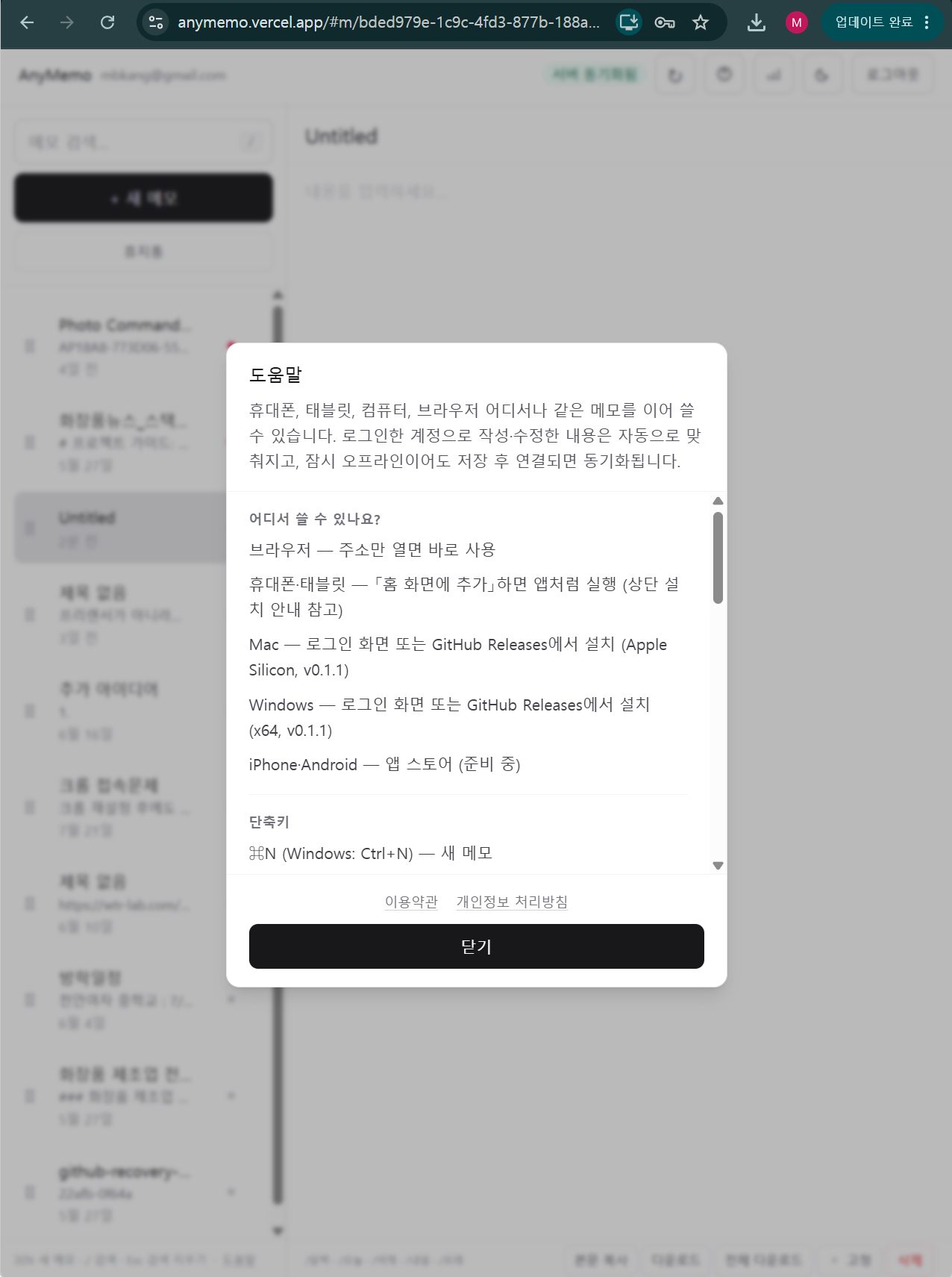
데스크톱(Windows·Mac) — 설치형 앱을 Releases에서 받거나, 브라우저에서 PWA로 설치할 수 있다.
휴대폰(Android·iPhone) — 브라우저에서 접속한 뒤 홈 화면에 바로가기 추가. 앱처럼 열린다. 별도 스토어 배포는 아직 준비 중.
구글 계정으로 로그인해서 사용하면 된다. 계정 하나로 어느 기기에서 써도 메모가 맞춰진다.
Memo and note apps are everywhere. But most of them come loaded with collaboration tools, tags, widgets, and AI summaries — and sometimes that weight gets in the way of just writing a quick note.
I built AnyMemo because I couldn't find a simple memo app that syncs in real time across Windows, Mac, Android, and iPhone with a single account.
What AnyMemo focuses on
Write, search, sync. That's it.
Memos — Title and body, auto-save. Create, edit, delete.
Sync — Real-time sync via Supabase Realtime. When offline, notes are saved locally and uploaded automatically when the connection is restored.
List — Search, pin to top, drag to reorder (desktop).
Trash — Deleted notes are held for 7 days. Restore or permanently delete.
Slash commands — Type /today, /date, or /calendar in the body to insert a date.
Stats — A 7-day writing activity chart plus a summary of character count, pinned notes, and trash.
Language — Korean / English (select on the login screen).
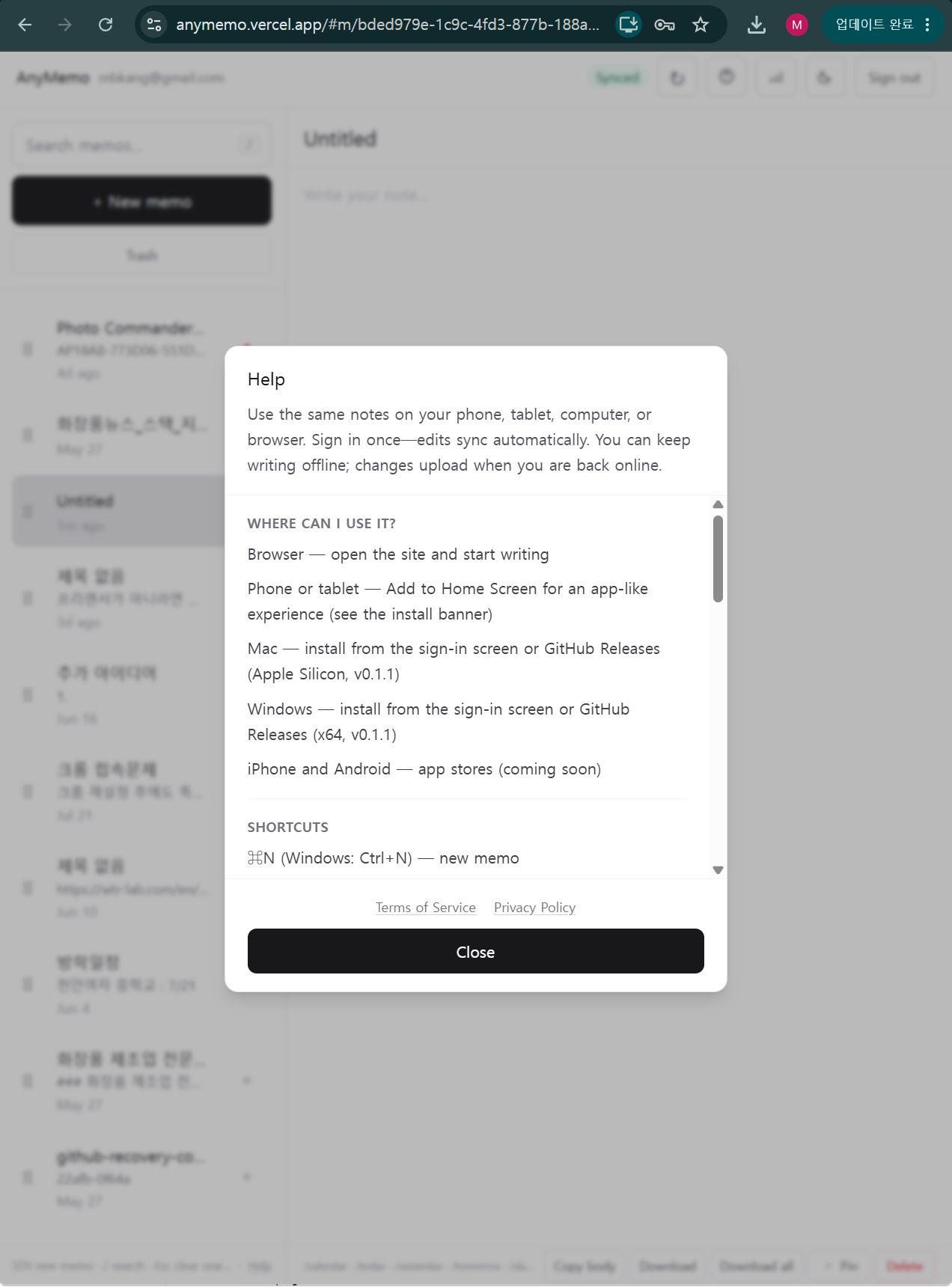
Desktop (Windows · Mac) — Download the installable app from Releases, or install it as a PWA directly from the browser.
Mobile (Android · iPhone) — Open the site in your browser and add it to your home screen. It opens just like a native app. A dedicated store release is not yet available.
Sign in with your Google account. Once you do, your notes stay in sync across every device you use.
댓글Comments