컴퓨터 이야기Computer Stories

컴퓨터에 관한
이야기
Stories about
computers

FREEWAYFREEWAY · 2026년 8월 20일August 20, 2026 · 4분 읽기4 min read

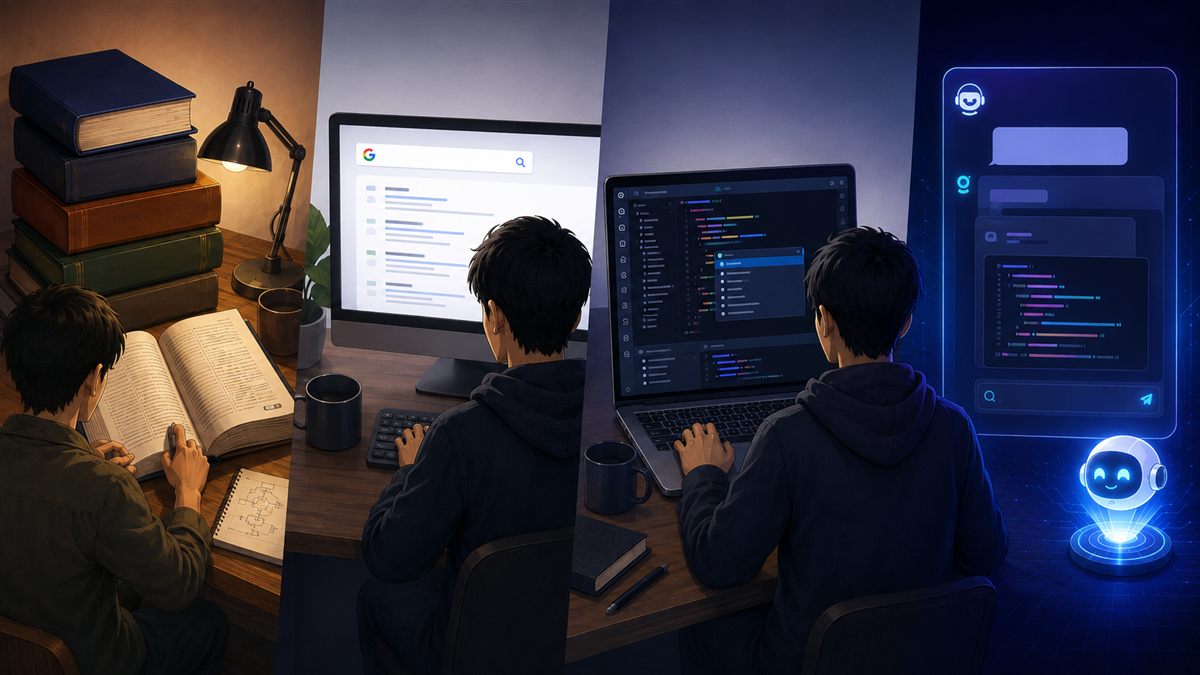
[컴퓨터 이야기] 코딩환경 변천사 — 두꺼운 책에서 AI까지[Computer] The Evolution of Coding Environments — From Heavy Books to AI

책 한 권이 전부였던 시절, 구글·스택오버플로우 검색의 시대, 그리고 AI에게 바로 묻는 지금까지 — 코딩 환경의 변천을 돌아봅니다.From a single thick reference book, to Googling and Stack Overflow, to asking AI directly — a look back at how the coding environment has changed.
조회Views - - 댓글Comments -
FREEWAYFREEWAY · 2026년 7월 29일July 29, 2026 · 3분 읽기3 min read

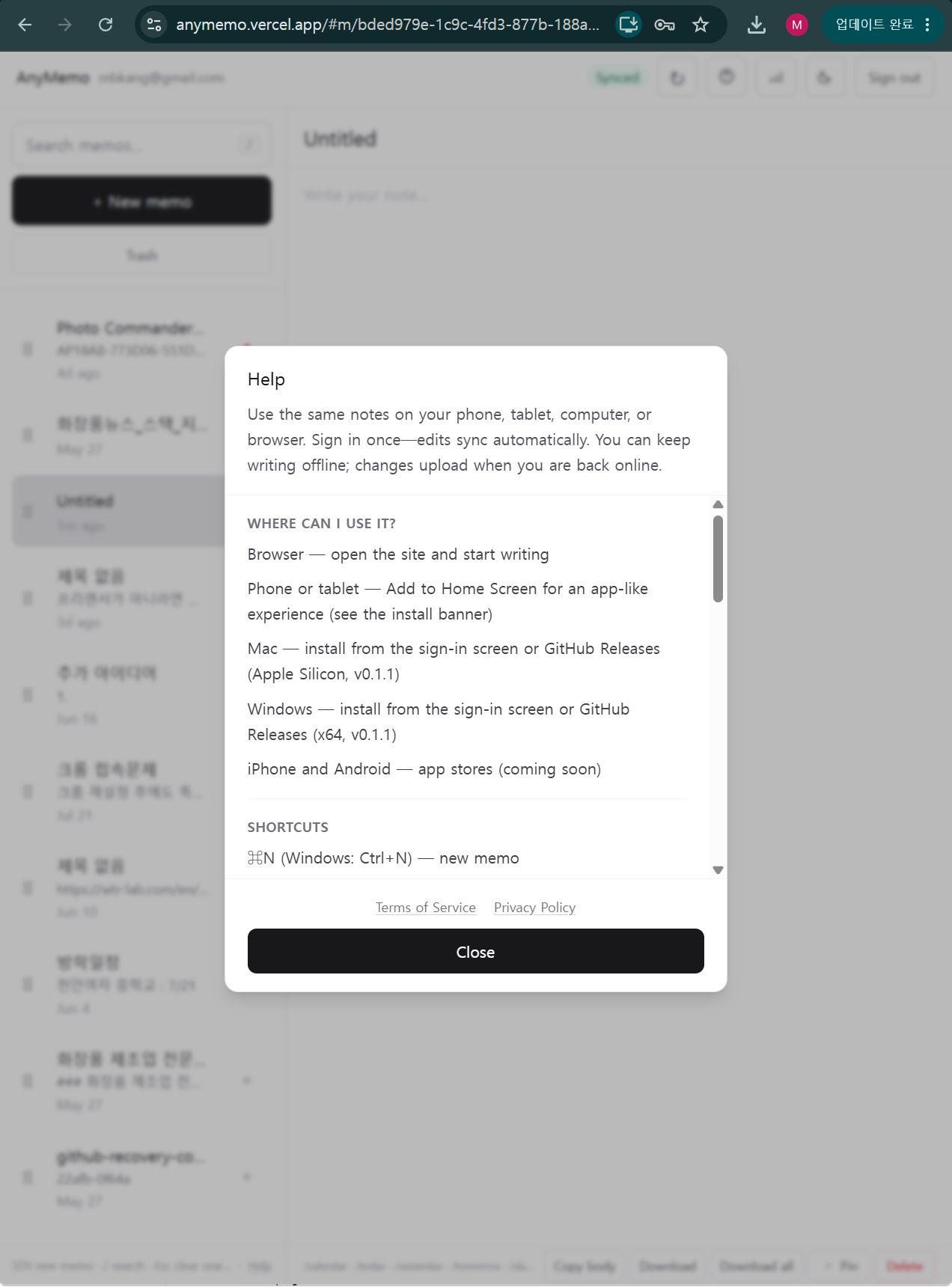
[컴퓨터 이야기] AnyMemo — 기기 가리지 않는 가벼운 메모 앱[Computer Stories] AnyMemo — A Lightweight Memo App That Works Everywhere

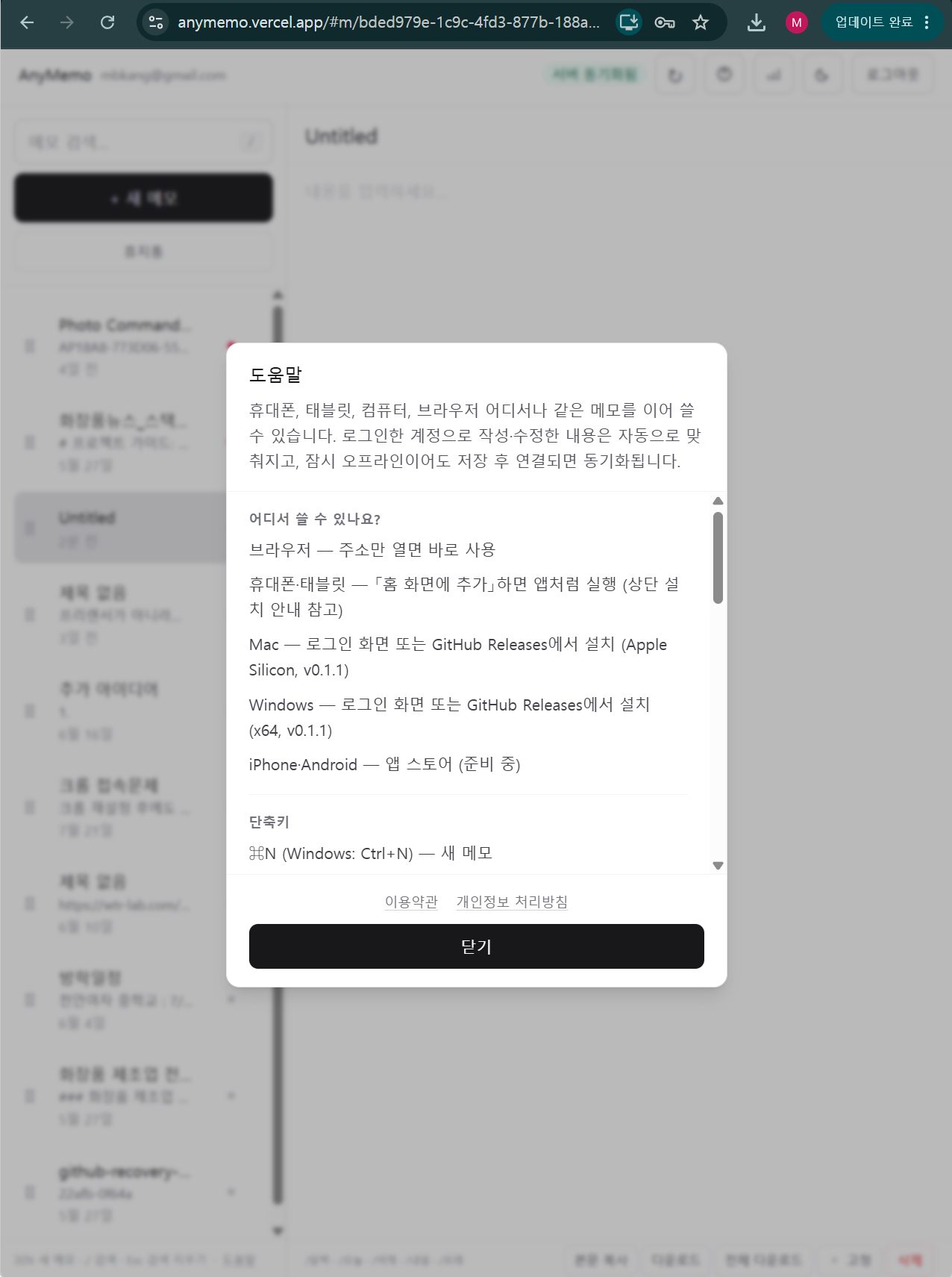
Windows·Mac·Android·iPhone에서 계정 하나로 실시간 동기화되는 메모 앱. 기능 많은 앱이 부담스러울 때, 쓰고·찾고·맞추는 것에만 집중하는 AnyMemo.A memo app that syncs in real time across Windows, Mac, Android, and iPhone with one account. When feature-heavy apps feel like too much, AnyMemo focuses on just three things: write, search, sync.

조회Views - - 댓글Comments -
FREEWAYFREEWAY · 2026년 7월 28일July 28, 2026 · 4분 읽기4 min read

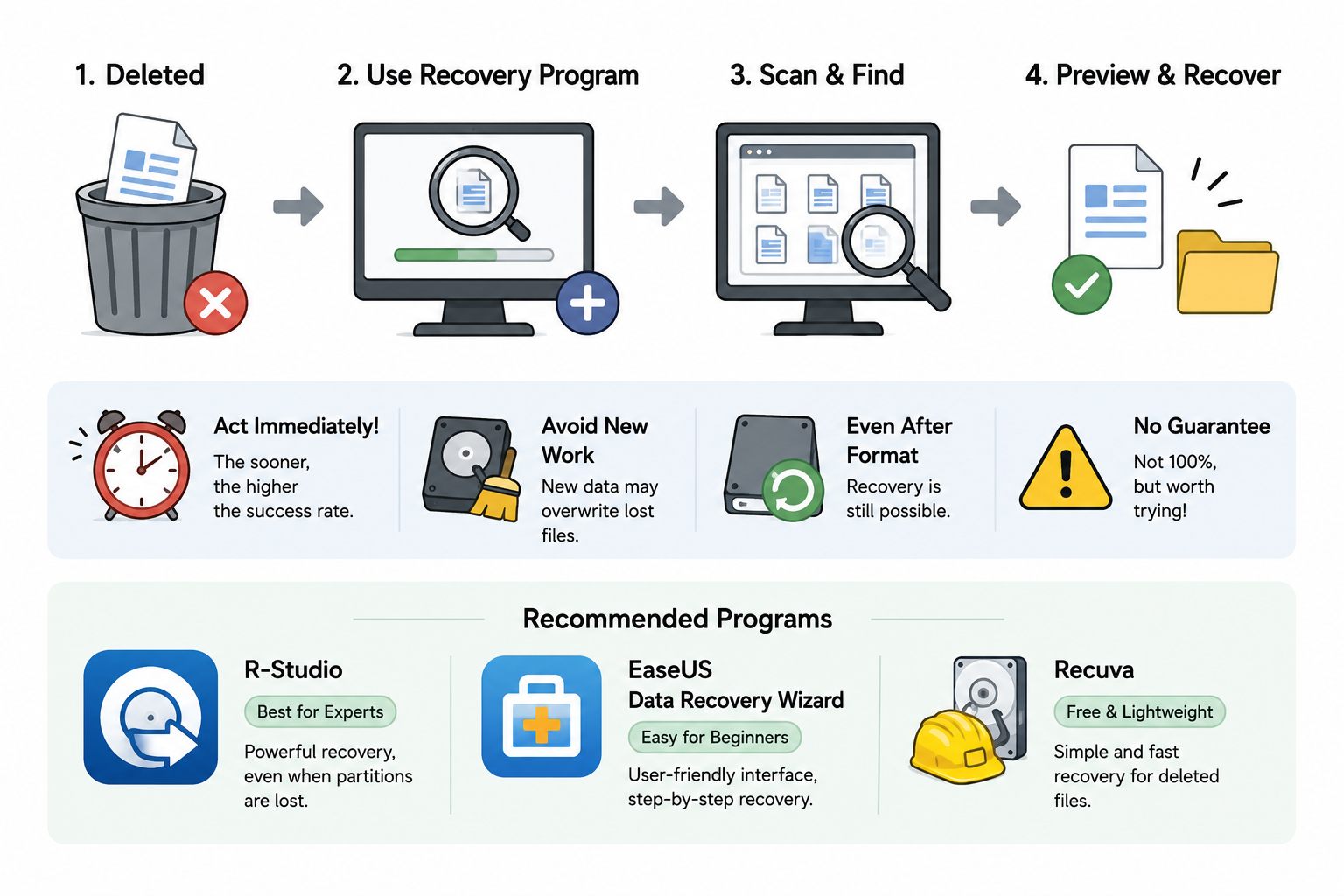
[컴퓨터 이야기] 파일을 실수로 지웠을 때[Computer Stories] When You Accidentally Delete a File

Shift+Del로 영구 삭제하거나 휴지통을 비운 뒤에도 파일을 살릴 수 있다. 복구 프로그램을 쓰는 시점, 선택 기준, 랜섬웨어는 복구 안 된다는 점까지.Even files deleted with Shift+Del or after emptying the Recycle Bin can often be recovered. When to use recovery software, which one to pick, and why ransomware is different.

조회Views - - 댓글Comments -
FREEWAYFREEWAY · 2026년 7월 27일July 27, 2026 · 3분 읽기3 min read

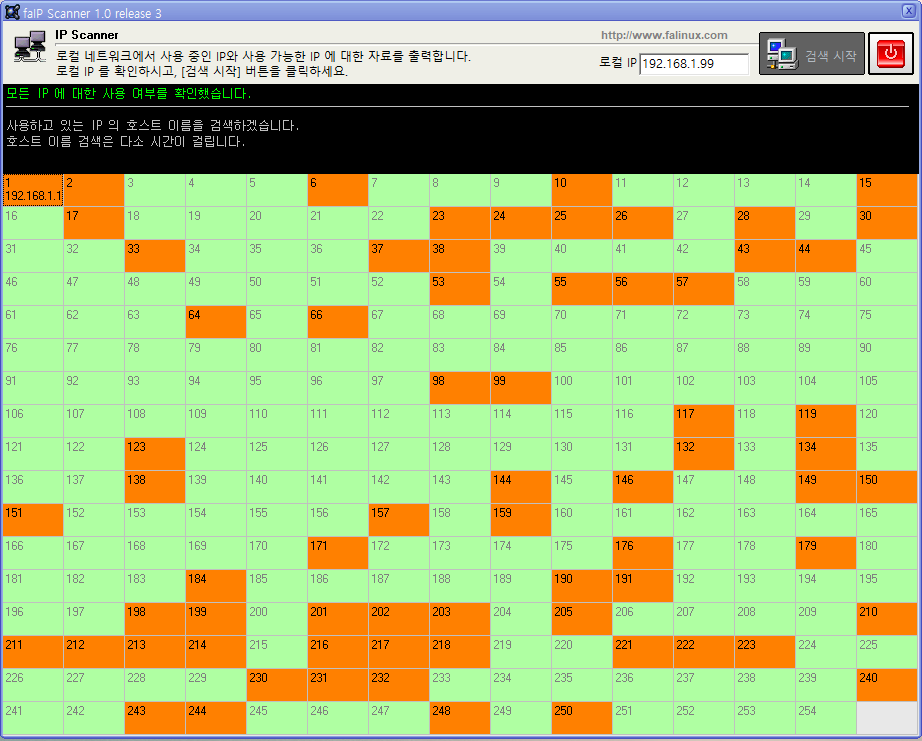
[컴퓨터 이야기] faIpScanner — 사내 IP 현황 한눈에 보기[Computer Stories] faIpScanner — See Your Network at a Glance

사내 네트워크에서 어떤 IP가 사용 중인지, 누가 쓰는지 한눈에 확인하는 무료 IP 스캔 프로그램.A free tool that shows which IPs are in use on your local network, who's using them, and what address ranges are still available — all at a glance.

조회Views - - 댓글Comments -
FREEWAYFREEWAY · 2026년 7월 27일July 27, 2026 · 4분 읽기4 min read

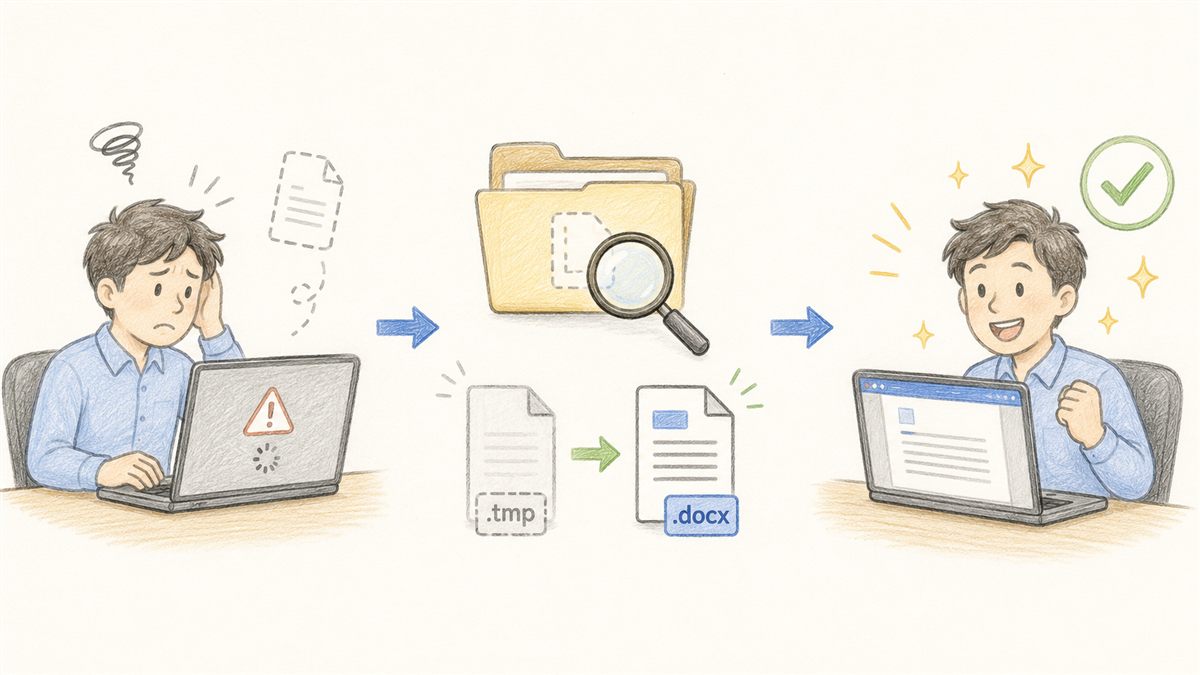
[컴퓨터 이야기] 작업 중이던 파일이 날아갔을 때[Computer Stories] When Your Work File Disappears

프로그램이 다운되거나 컴퓨터가 꺼지면서 작업 파일이 날아갔을 때, 임시 파일을 찾아 복구하는 방법. Office 계열에서 특히 잘 통한다.When a crash or unexpected shutdown wipes out hours of work, temporary files can save you. Here's how to find and recover them — especially in Office applications.

조회Views - - 댓글Comments -
FREEWAYFREEWAY · 2026년 7월 26일July 26, 2026 · 4분 읽기4 min read

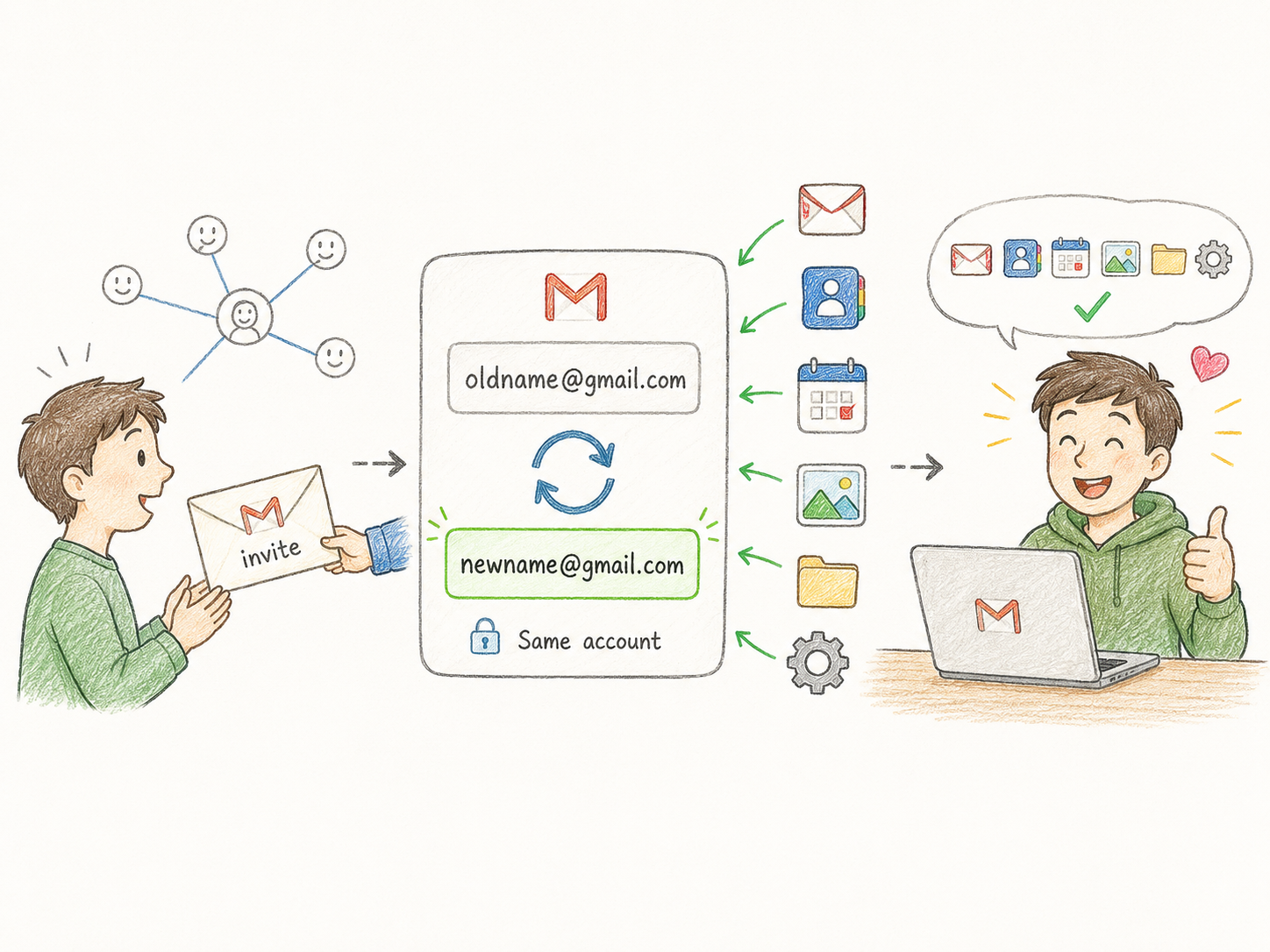
[컴퓨터 이야기] Gmail 아이디 변경이 가능해졌다[Computer Stories] You Can Now Change Your Gmail Address

구글이 기존 데이터를 유지한 채 Gmail 주소 변경을 공식 지원한다. 연 1회, 평생 3회 제한 — 바꾸기 전에 알아야 할 것들.Google now officially lets you change your Gmail username without losing your data. One change per year, three in a lifetime — here's what to know before you do it.

조회Views - - 댓글Comments -
FREEWAYFREEWAY · 2026년 7월 25일July 25, 2026 · 3분 읽기3 min read

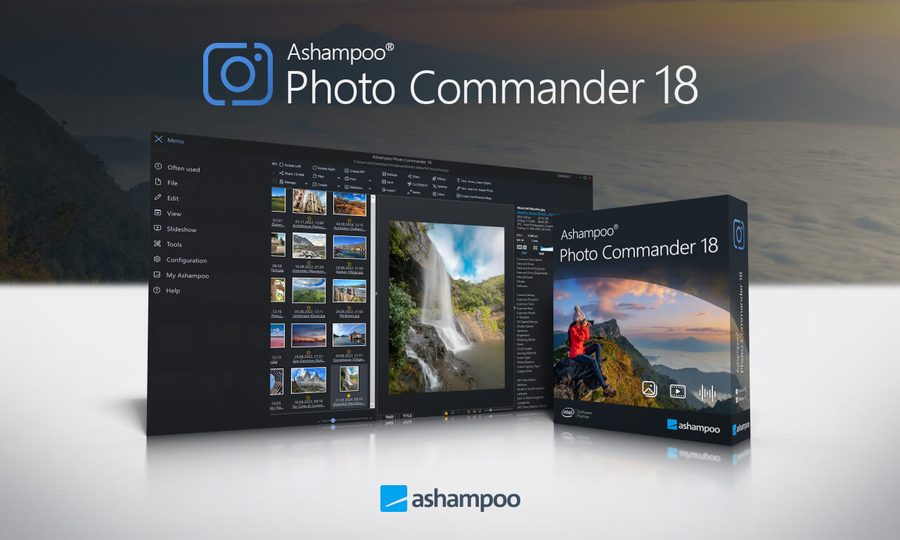
[컴퓨터 이야기] 무료 사진편집 프로그램[Computer Stories] A Free Photo Editor Worth Getting

Ashampoo Photo Commander가 이벤트로 무료 공개 중. 유료 사진편집 프로그램에 버금가는 기능을 놓치기 전에 받아두자.Ashampoo Photo Commander is temporarily free. A capable photo editor that normally sells for $55 — worth grabbing while the offer lasts.

조회Views - - 댓글Comments -
FREEWAYFREEWAY · 2026년 7월 24일July 24, 2026 · 5분 읽기5 min read

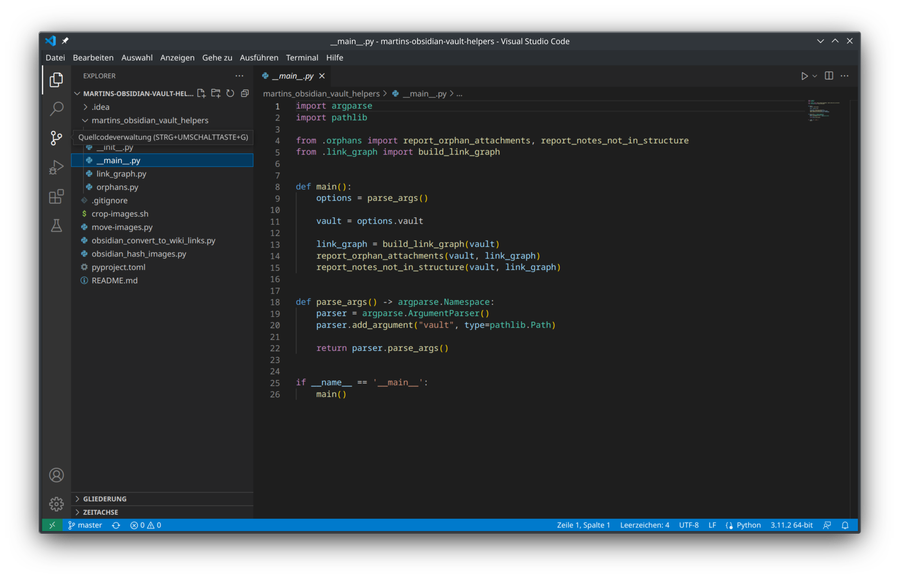
[컴퓨터 이야기] 텍스트 에디터 이야기[Computer Stories] Text Editors

메모장부터 VS Code까지 — 텍스트 에디터의 어제와 오늘, 그리고 소소한 메모장 활용 팁.From Notepad to VS Code — a look at text editors past and present, plus a few handy Notepad tips.

조회Views - - 댓글Comments -
FREEWAYFREEWAY · 2026년 7월 23일July 23, 2026 · 5분 읽기5 min read

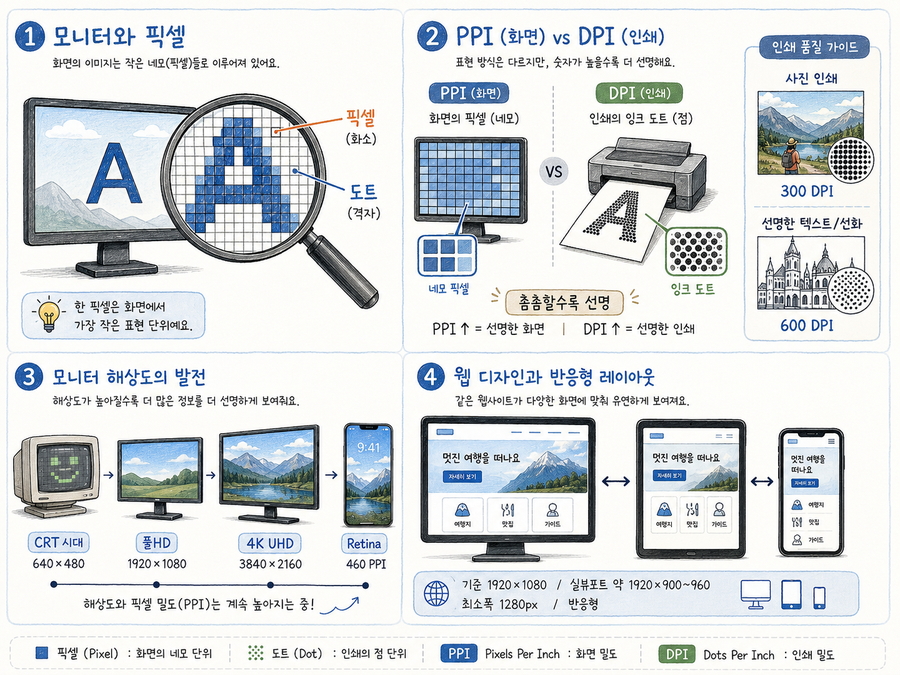
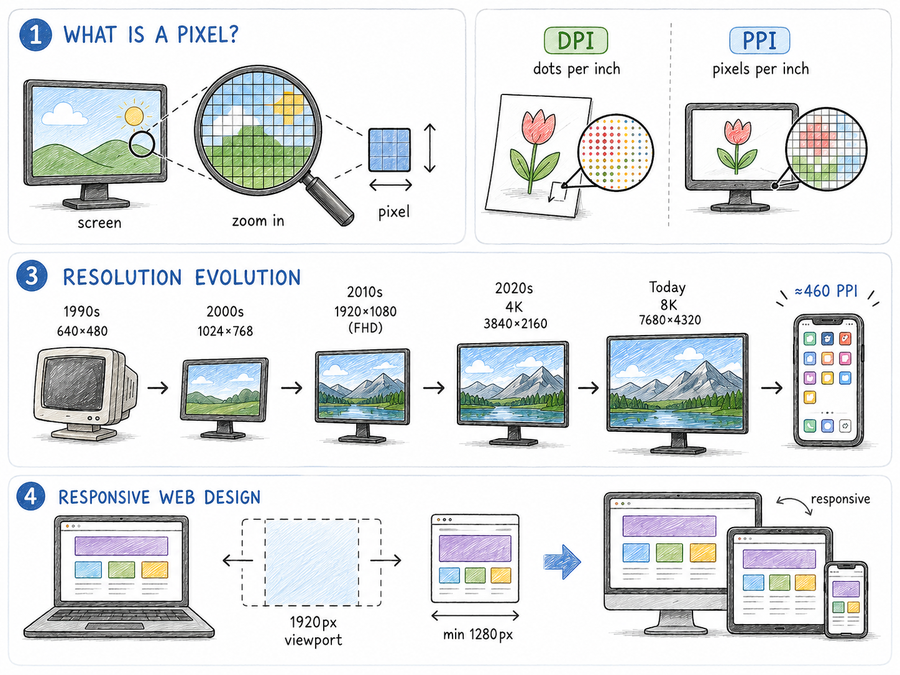
[컴퓨터 이야기] 해상도 이야기[Computer Stories] Understanding Resolution

도트, 픽셀, DPI — 화면 속 아주 작은 네모들이 모여 이루는 해상도의 세계를 알기 쉽게 풀어봅니다.Dots, pixels, DPI — what resolution actually means, why it matters for print, and how to think about it for web design.

조회Views - - 댓글Comments -
FREEWAYFREEWAY · 2026년 7월 22일July 22, 2026 · 5분 읽기5 min read

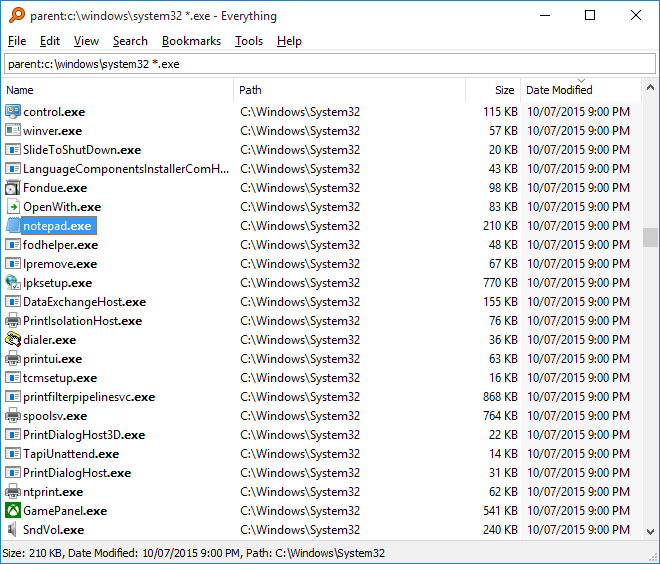
[컴퓨터 이야기] 설치하면 시간 버는 앱[Computer Stories] Apps That Save You Time

윈도우 기본 프로그램도 나쁘지 않지만, 제대로 된 전문 도구를 쓰면 차원이 다르다. 파일 검색부터 압축, 캡처까지 — 한번 쓰면 못 돌아오는 무료 앱들.Windows' built-in tools are fine, but the right specialist app is a different league. Search, zip, capture — free tools you won't want to go back from.

조회Views - - 댓글Comments -
FREEWAYFREEWAY · 2026년 7월 21일July 21, 2026 · 8분 읽기8 min read

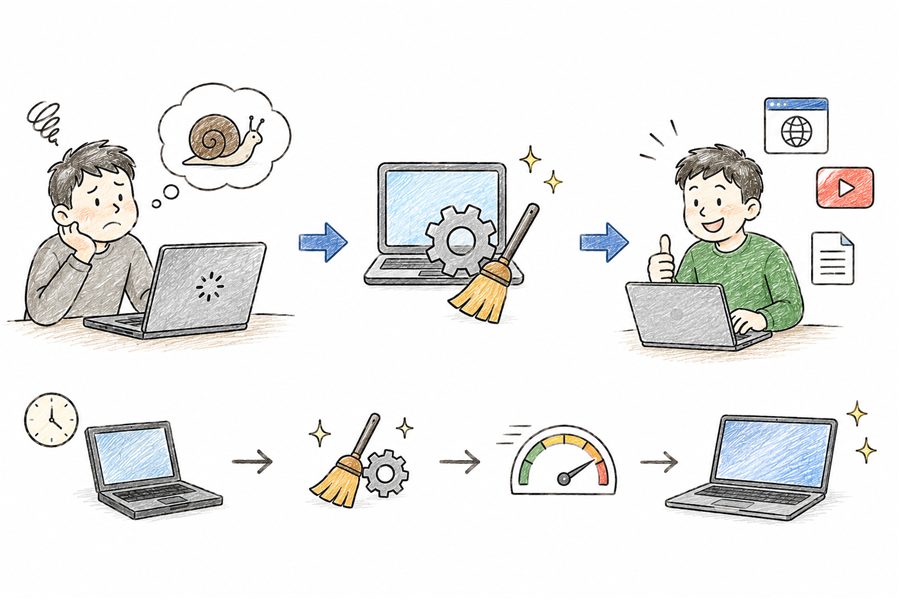
[컴퓨터 이야기] 컴퓨터가 느려졌다면?[Computer Stories] Is Your PC Running Slow?

새로 사기 전에 먼저 해볼 것들. 멀웨어 제로·구라제거기로 악성 프로그램 제거, msconfig 시작 프로그램 정리, 시각 효과 끄기까지.Before buying a new PC, try this. Remove malware with MZK and HoaxEliminator, trim startup programs with msconfig, and cut visual effects.

조회Views - - 댓글Comments -
FREEWAYFREEWAY · 2026년 7월 16일July 16, 2026 · 5분 읽기5 min read

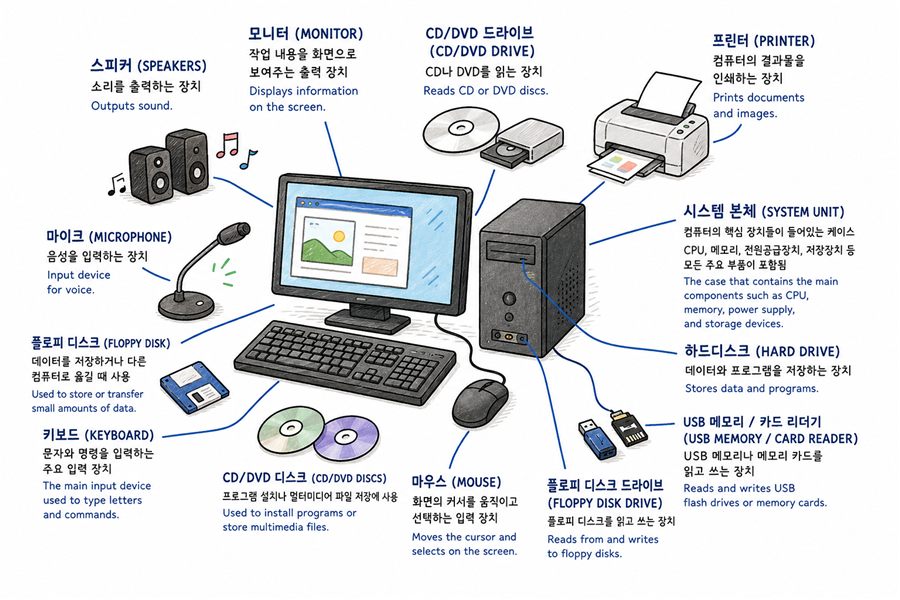
[컴퓨터 이야기] 컴퓨터에 대하여 3편 — 저장장치와 핵심 부품[Computer Stories] About Computers Part 3 — Storage & Key Components

플로피디스크부터 SSD까지, C드라이브 이름의 유래, 그리고 CPU와 RAM이 무엇인지 쉽게 알아봅니다.From floppy disks to SSDs, why your drive is called C:, and what CPU and RAM actually do — explained simply.

조회Views - - 댓글Comments -
FREEWAYFREEWAY · 2026년 7월 16일July 16, 2026 · 5분 읽기5 min read

[컴퓨터 이야기] 컴퓨터에 대하여 2편 — 하드웨어와 소프트웨어[Computer Stories] About Computers Part 2 — Hardware & Software

컴퓨터는 어떻게 동작할까? 하드웨어와 소프트웨어의 차이, 운영체제와 응용 프로그램, 개인용 컴퓨터의 등장까지 알기 쉽게 설명합니다.How does a computer work? Hardware vs. software, operating systems, apps, and the rise of the personal computer — explained simply.

조회Views - - 댓글Comments -
FREEWAYFREEWAY · 2026년 7월 16일July 16, 2026 · 5분 읽기5 min read

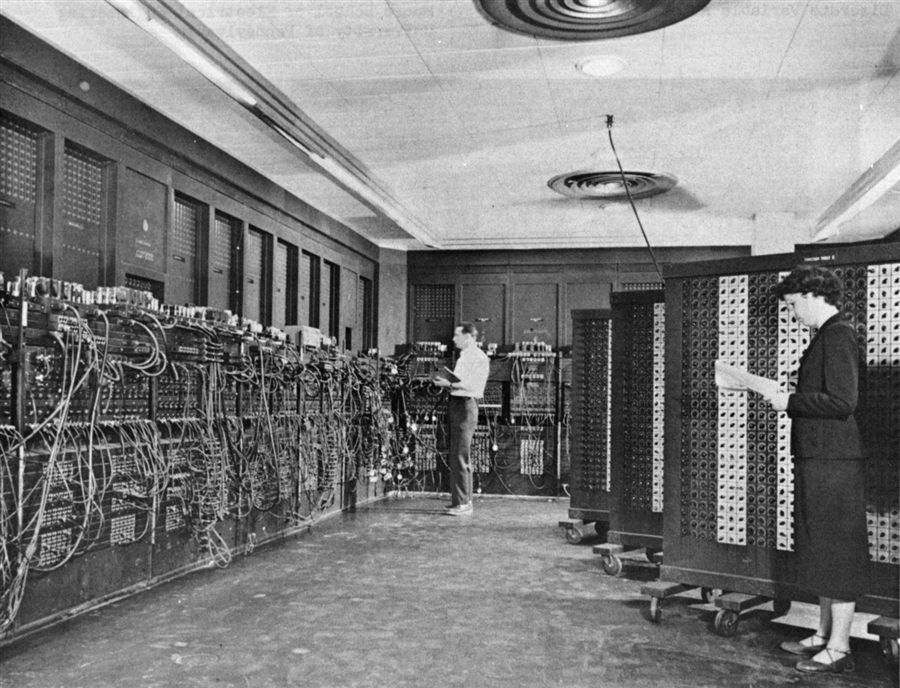
[컴퓨터 이야기] 컴퓨터에 대하여 1편 — 역사와 개요[Computer Stories] About Computers Part 1 — History & Overview

컴퓨터란 무엇인가? ENIAC부터 튜링까지, 컴퓨터의 탄생과 초기 역사를 알기 쉽게 풀어 봅니다.What is a computer? From ENIAC to Alan Turing — the birth of computing and its early history, told simply.

조회Views - - 댓글Comments -
FREEWAYFREEWAY · 2026년 7월 16일July 16, 2026 · 2분 읽기2 min read

컴퓨터 이야기를 시작합니다[Computer Stories] Welcome to Computer Stories

컴퓨터·IT·소프트웨어에 관한 이야기를 씁니다. 어렵지 않게, 하지만 실질적으로.We write about computers, IT, and software — practical and jargon-free.

조회Views - - 댓글Comments -