화면 캡처는 윈도우 자체 기능(Win + Shift + S)으로도 충분하다. 부족함을 느낀다면 픽픽도 나쁘지 않다.
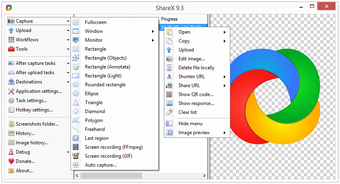
하지만 거의 모든 기능이 들어 있는 종합 선물 세트를 원한다면 ShareX다. 영역 캡처, 스크롤 캡처, GIF 녹화, 화면 녹화, 이미지 편집, 자동 업로드까지 — 무료다.
파일 탐색기 대체 프로그램은?
DOS 시절 Mdir 같은 윈도우용 파일 관리자도 많다. 하지만 굳이 추천하지 않는다. 요즘 윈도우 기본 탐색기는 쓸 만하고, 컴퓨터가 바뀌었을 때 어색해지는 단점이 있기 때문이다. 익숙해질수록 기본 환경에서 멀어지는 도구는 조심하는 편이 좋다.
Windows' built-in programs are perfectly usable.
But just as hospitals have specialists for different conditions, computers have specialist tools for different jobs. Use the right one and you'll get the same work done in a fraction of the time.
Here are some free apps that, once you've tried them, you won't want to go back from.
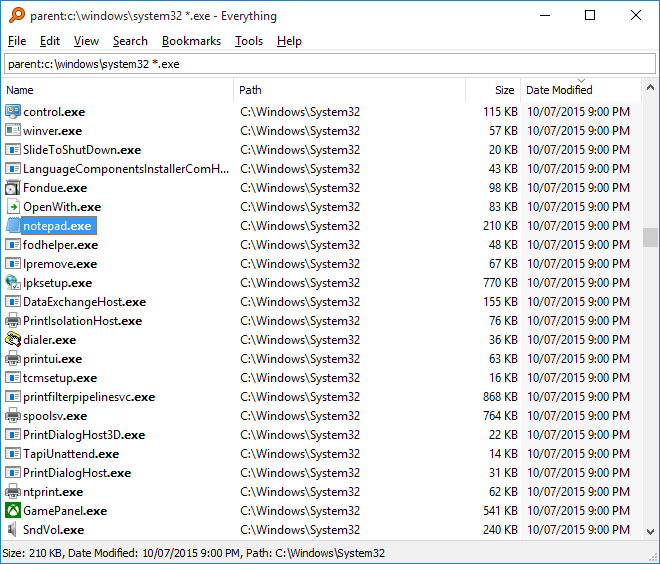
If you've ever tried to search for a file in Windows Explorer, you know how slow it can be. Everything returns results the instant you start typing — no delay at all.
Highly recommended. Once you use it, going back feels painful.
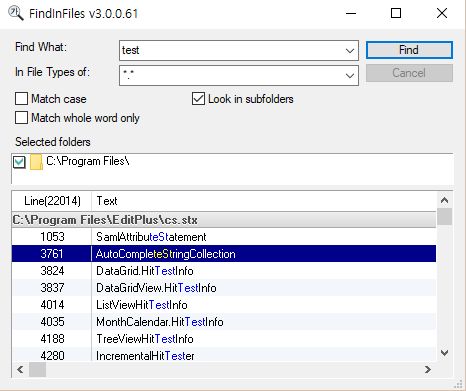
Where Everything searches by file name, FindInFiles searches by file content. Useful when you need to find which file contains a specific word or phrase.
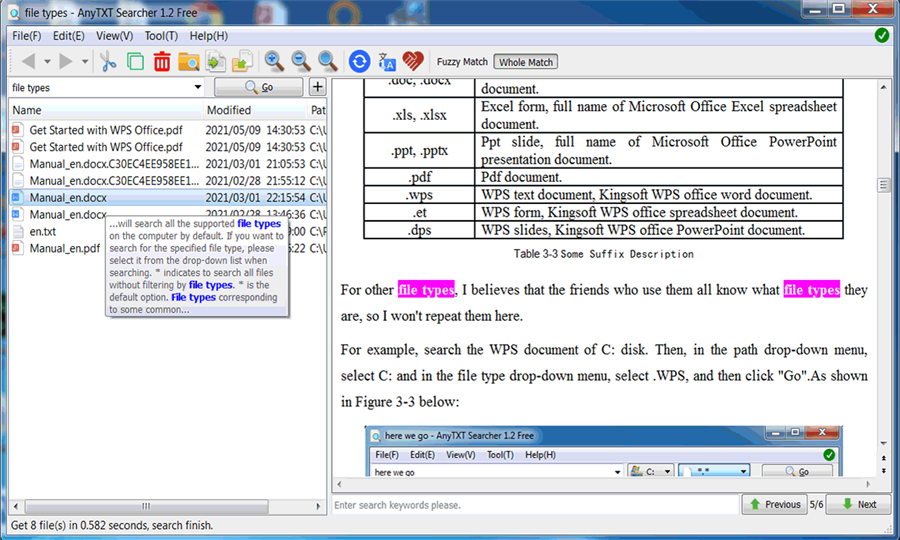
Unlike FindInFiles, which works mainly with plain text files, AnyTXT Searcher indexes and searches inside Word, Excel, PowerPoint, and PDF files. If you have a lot of documents piling up, this one really shows its worth.
While we're talking about file search — show file extensions
In File Explorer → View, make sure Hide file extensions is turned off. On Windows, seeing extensions is more intuitive — and it helps you spot malicious files (like ransomware) that try to disguise themselves with a fake extension.
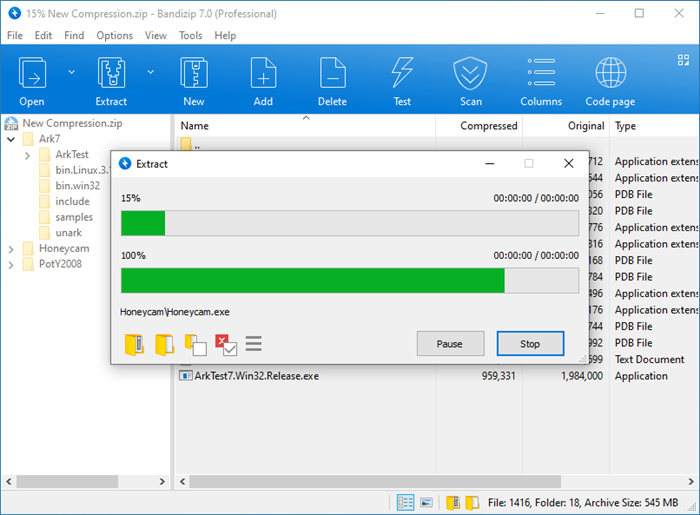
As mentioned in a previous post: skip the ALZip suite and use Bandizip instead. Why? It's better for your sanity.
Bandizip is free for both personal and commercial use. ALZip is a licence violation for businesses.
One useful tip: if a zip file throws an error when extracting, try a different tool before assuming the file is corrupt. A tool change fixes it more often than you'd think.
Windows' built-in screenshot tool (Win + Shift + S) is enough for most people. If you need more, PicPick is a decent step up.
But if you want the all-in-one package, ShareX is it. Region capture, scrolling capture, GIF recording, screen recording, image annotation, auto-upload — all free.
What about file manager replacements?
There are plenty of Windows file managers inspired by DOS-era tools like Mdir. I don't particularly recommend them. The built-in Windows Explorer is good enough these days, and the more you rely on a custom tool, the more disoriented you'll feel on someone else's machine. Tools that pull you away from the default environment are worth approaching with caution.
댓글Comments